Draw Polygon button |
|
 Edit buttonAllows you to edit existing points on the block outline.
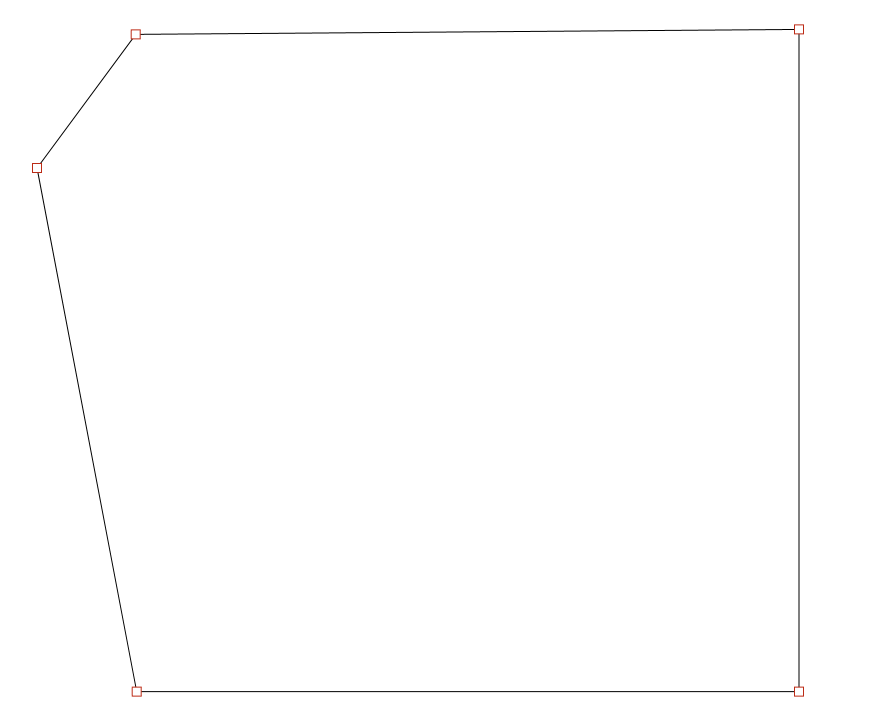
When in this mode the points of a block outline will be presented by squares. Left-click and drag to position them.
|
|
 Add Point buttonAdds a single point to the current block outline.
Left-click on the canvas to position the point.
|
|
 Clear buttonThis will remove the block outline points.
|
|
 Offset fieldValue to offset the points from the center of the design when using auto create.
|
|
 Auto Create buttonAutomatically creates block outline points around the holes in the design.
|
|