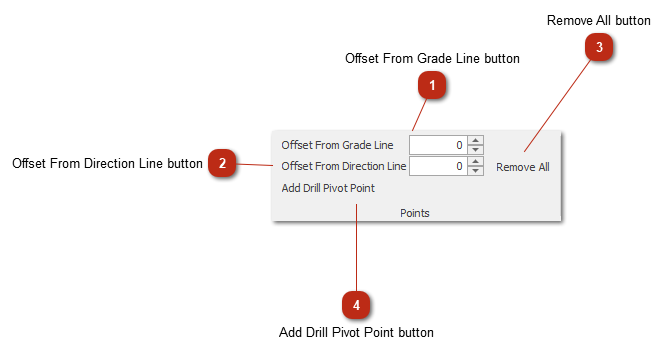
Drill Pivot Points toolbar
Adds drilling pivot points to your design.
 Offset From Grade Line buttonSets the offset of the drill pivot point above the grade line. Use negative values to go below the grade line.
|
|
 Offset From Direction Line buttonSets the offset of the drill pivot point to the right of the direction line. Use negative values to go left from the direction line.
|
|
 Remove All buttonRemoves all the drill pivot points
|
|
 Add Drill Pivot Point buttonAdds the drill pivot point.
|
|