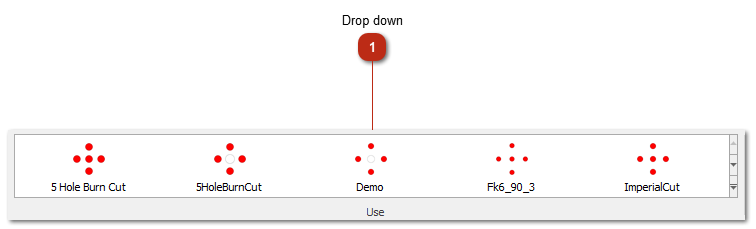
Drop downSelect a predefined cut from the drop down by left clicking on the cut.
Then move your mouse over the tunnel design area , and left click to place the cut.
The cut will snap to the grid if the grid option is set.
All the cuts in this list reflects the designs done in the cut designer.
NOTE: The cuts are saved under the "documents\Blastmap\Cuts" folder. All designs saved to that folder location will be listed in the cut dropdown.
|
|