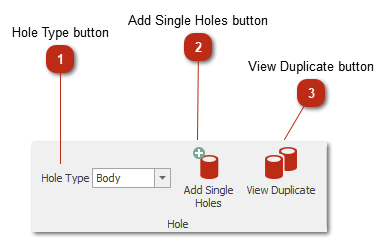
Hole Type buttonSelect the hole type that needs to be added.
|
|
 Add Single Holes buttonSwitches mode to add single hole. Left click on design to add holes, to finish select the default arrow.
|
|
 View Duplicate buttonHighlights holes that overlaps each other.
|
|